

Insight
Website Redesign Strategy: How to Improve UX, SEO, Speed, and Conversion Together
A detailed website redesign strategy guide covering UX research, SEO protection, content architecture, performance, conversion design, technical migration, and launch planning.

Novilance Team
Web Strategy Team
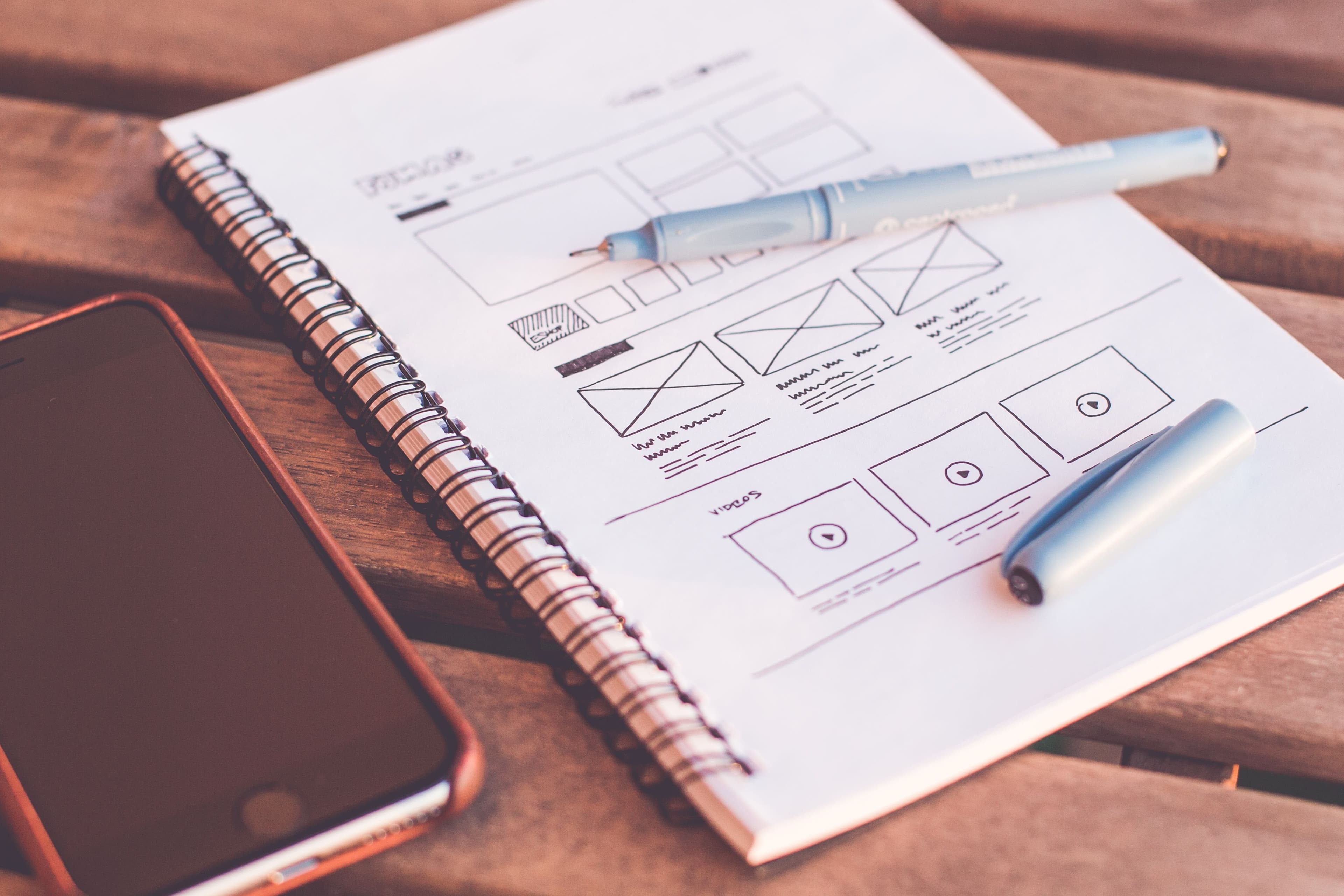
A website redesign should not be treated as a visual refresh only. A redesign can improve user experience, SEO, conversion, performance, brand trust, and content clarity. But if handled poorly, it can also damage search rankings, confuse users, slow down the site, and recreate the same structural problems in a new layout.
The best redesign strategy begins with diagnosis. Before changing colors, layouts, or animations, the team must understand what is working, what is failing, and what business outcome the redesign must support.
Why Businesses Redesign Websites
- The current website looks outdated or does not match the brand
- Visitors do not understand the services clearly
- Important pages are not ranking in search engines
- Conversion rates are low
- The website loads slowly
- The site is difficult to update
- The navigation is confusing
- The business has changed its positioning, services, or target market
Start With a Website Audit
A redesign should begin with a complete audit of the existing website. This includes analytics, traffic sources, top pages, conversion paths, SEO rankings, technical issues, page speed, content quality, user behavior, navigation, mobile experience, and competitor positioning.
Protect SEO Before Changing URLs
One of the biggest redesign risks is losing organic visibility. Important URLs, metadata, headings, content, internal links, structured data, and backlinks should be reviewed before launch. If URLs change, redirects must be planned carefully.
SEO Redesign Checklist
- Identify top organic landing pages
- Preserve or improve important content
- Map old URLs to new URLs
- Create 301 redirects where needed
- Write unique metadata for key pages
- Maintain clean heading hierarchy
- Generate sitemap.xml
- Review robots.txt
- Check canonical URLs
- Validate structured data
- Monitor rankings and indexing after launch
Content Architecture
A redesign is a chance to improve how content is organized. Service pages should be specific, useful, and easy to find. Blog posts should support search intent. Case studies should show proof. FAQs should answer real buyer questions. Navigation should guide visitors toward the most important conversion paths.
Conversion-Focused Design
A beautiful website can still fail if users do not know what to do next. Conversion-focused design uses clear calls to action, strong service explanations, trust signals, pricing or process clarity where appropriate, contact forms, and friction reduction.
User Experience Improvements
UX improvements should be based on user needs. This includes clearer navigation, better page hierarchy, readable typography, stronger mobile layout, faster access to important information, better forms, and fewer distractions above the fold.
Performance and Core Web Vitals
Website speed affects user experience and can influence organic performance. During redesign, teams should optimize images, reduce unnecessary JavaScript, avoid heavy animations, improve server response, use caching, and design pages that load quickly on mobile networks.
Technical Stack Decisions
A redesign may use the same CMS, a new CMS, a headless CMS, Next.js, WordPress, Shopify, Webflow, or a custom stack. The decision should be based on content needs, performance requirements, design flexibility, editorial workflow, and future functionality.
Brand and Visual Direction
Visual design matters because it shapes trust. The website should look modern, consistent, and aligned with the company's positioning. But branding should support clarity. Excessive motion, decorative copy, or confusing layouts can weaken the user experience.
Redesign Mistakes to Avoid
- Starting from visuals before strategy
- Deleting high-performing pages
- Changing URLs without redirects
- Using generic service page content
- Ignoring mobile users
- Adding heavy animations that slow the page
- Launching without analytics verification
- No post-launch SEO monitoring
Launch Planning
A redesign launch should include technical QA, form testing, analytics testing, redirect validation, mobile testing, speed testing, SEO checks, content review, and backup planning. Launch should not be the first time the team sees the complete website working together.
Post-Launch Optimization
After launch, the team should monitor indexing, ranking changes, traffic, conversion rates, form submissions, page speed, and user behavior. A redesign should continue improving based on real data.
How Novilance Handles Website Redesigns
Novilance redesigns websites with a strategy-first approach. We combine UX design, SEO protection, performance engineering, content structure, and conversion design to create websites that look better and perform better.
Work with us
Ready to bring your next flagship product to market?
Related Services
Web Development
High-performance websites, dashboards, portals, and custom web applications built with modern frameworks.
Learn moreMobile Apps
Native and cross-platform mobile applications with smooth UX, offline support, and scalable backend integrations.
Learn moreAI Solutions
AI chatbots, agents, RAG systems, automation workflows, and LLM integrations that solve real business problems.
Learn more